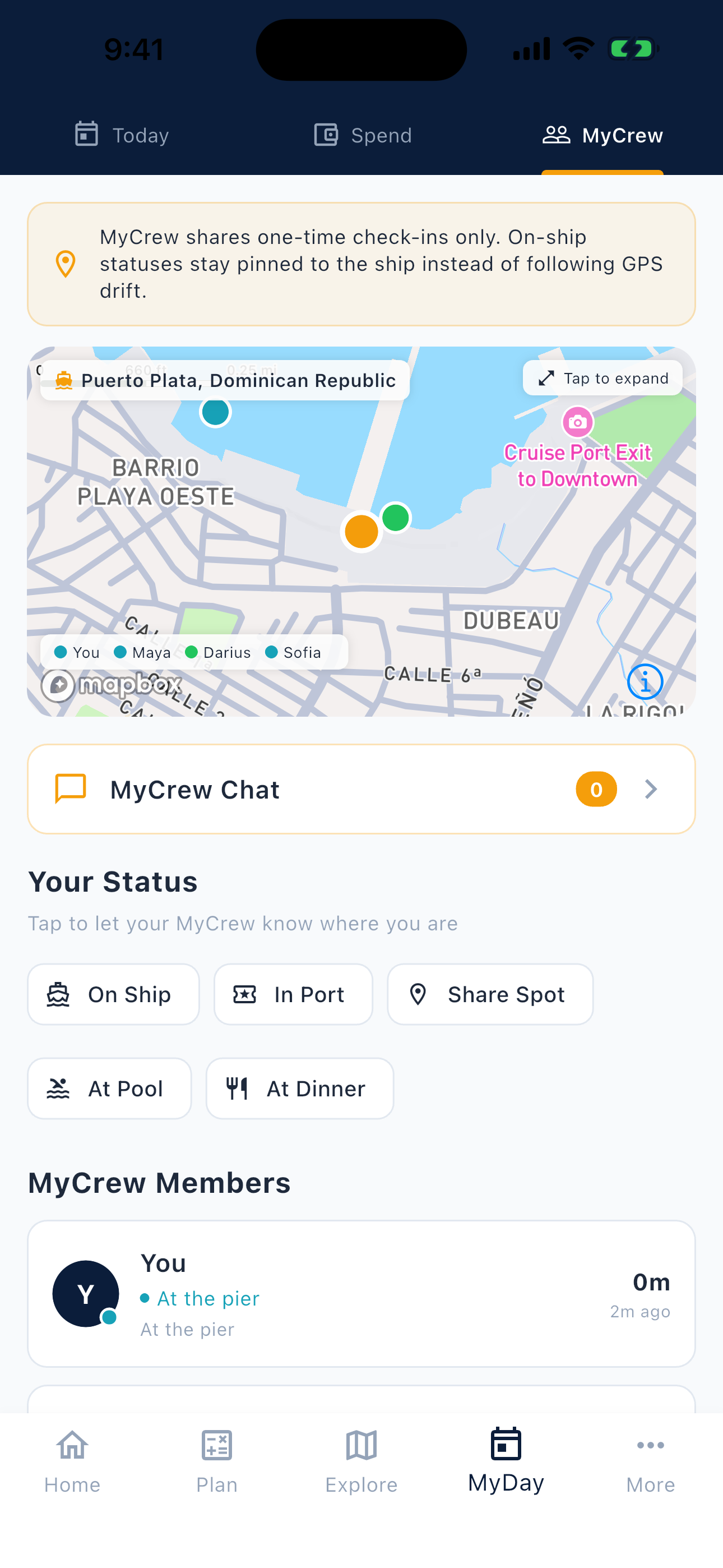
MyCrew check-ins
A lightweight status view for group coordination during cruise days.
CruiseKit helps groups coordinate cruise-day status, meetup plans, port-day timing, and MyCrew context without turning the trip into a full-time group chat.
MyCrew coordination
Cruise days split groups in natural ways. Someone heads to breakfast, someone goes ashore, someone stays by the pool, and someone is watching the all-aboard time. A simple check-in layer helps the group understand what is happening without making every update a long message.
CruiseKit connects that status context to the cruise day itself: ship time, port time, itinerary, schedule, spending, and Group Hub planning.
Built around cruise days
MyCrew check-ins inside MyDay
Group coordination works well when it lives next to the actual cruise context, not in a disconnected spreadsheet or scattered text thread.
What check-ins solve
MyCrew check-ins are built for quick signals like on ship, at dinner, heading back, or meeting soon, so the group can understand the day without a long message thread.
Status updates sit beside ship time, port time, daily plans, and itinerary context instead of living in a generic notes app.
Groups can keep return plans, meetup timing, and port-day movement easier to scan while still verifying official ship instructions before final decisions.
The check-in story is part of a broader cruise-day workflow: status, schedule, timing, spending, and itinerary context in one app surface.
A lightweight status view for group coordination during cruise days.
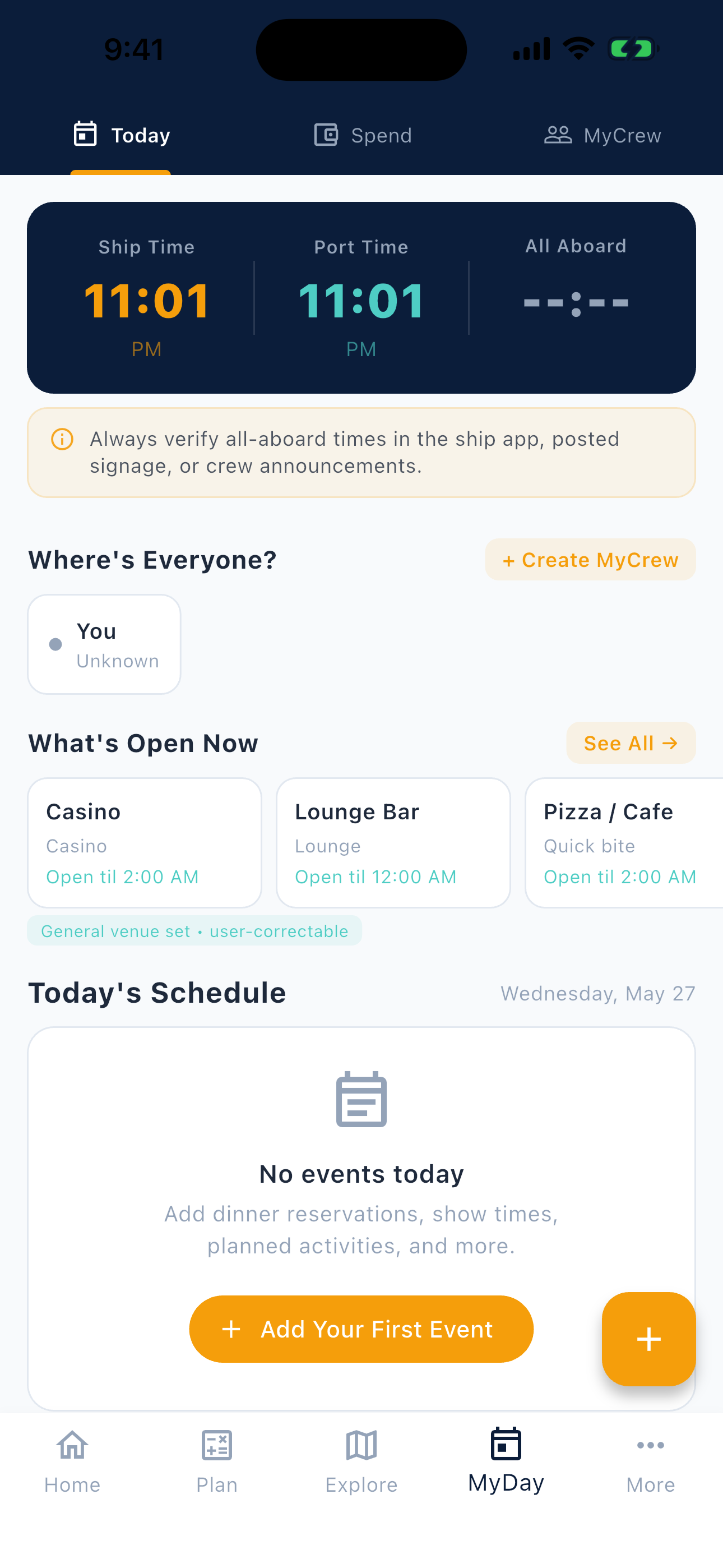
Group updates make more sense when the day's timing and plans are visible too.
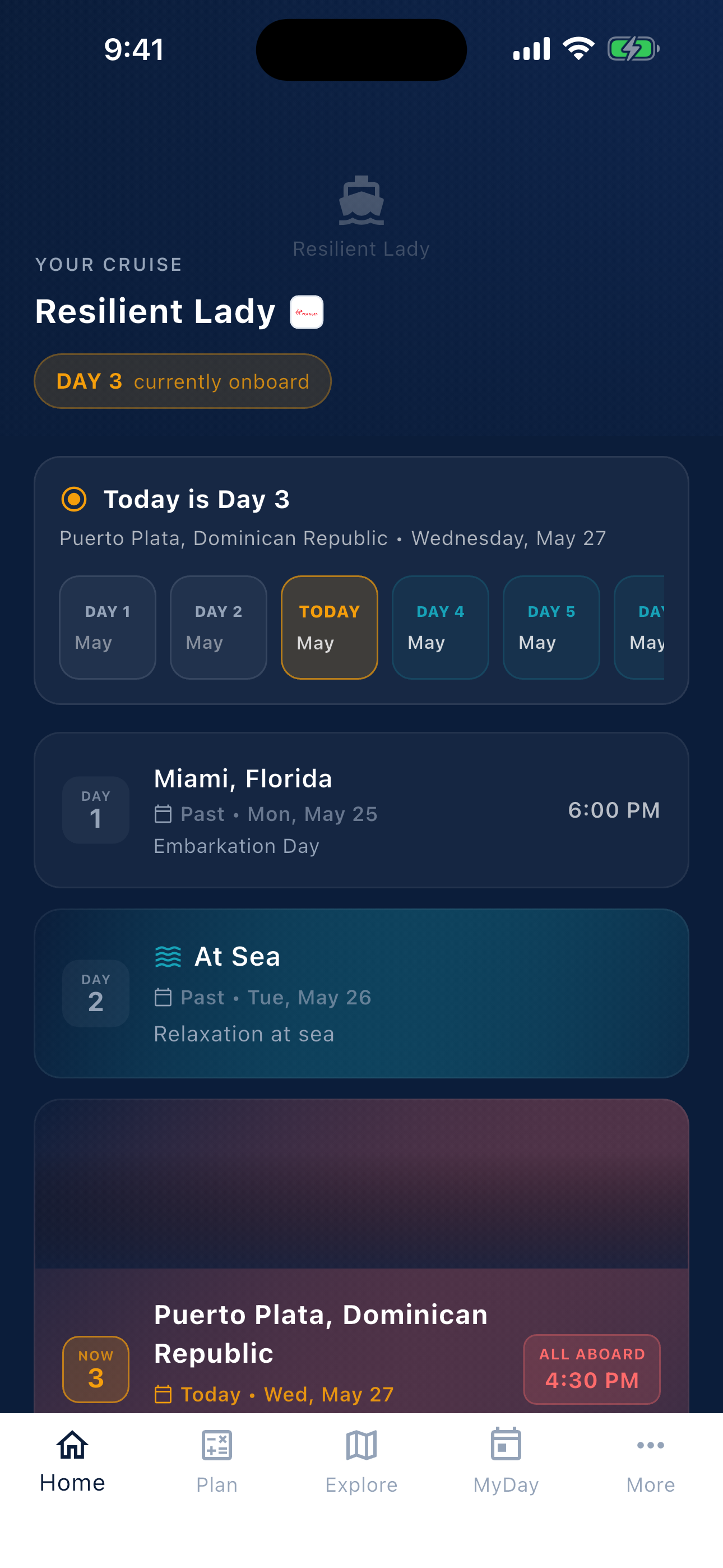
Sea days, port days, and onboard timing stay connected to the sailing plan.
Good fit
Boundaries
Planning flow
Use Group Hub for shared planning context, cost conversations, and the decisions that happen before the sailing.
Keep the daily schedule, spend tracker, ship-time context, and MyCrew check-ins close during the trip.
Before leaving the ship or changing plans, confirm all-aboard times and sailing-specific information with official onboard sources.
Practical answers for travelers deciding how to coordinate a cruise group before and during the sailing.
A cruise group check-in app helps travelers share lightweight status updates with their group during a cruise, such as where they are meeting, whether they are heading back, or what part of the day they are on.
CruiseKit supports group coordination through Group Hub planning and MyCrew-oriented check-ins inside MyDay, where status updates sit near ship-time, port-time, itinerary, schedule, and spend context.
No. CruiseKit is independent and is not an official cruise line app. Travelers should still use official cruise line and onboard sources for sailing-specific services, announcements, account details, dining, and all-aboard instructions.
No. Many cruise groups only need intentional status updates and shared day context. CruiseKit positions MyCrew around lightweight check-ins rather than making the product a constant tracking tool.
Download CruiseKit to keep MyCrew check-ins, ship-day context, onboard spend, and group planning close during the trip.