Your phone says 2pm. The ship says 1pm.
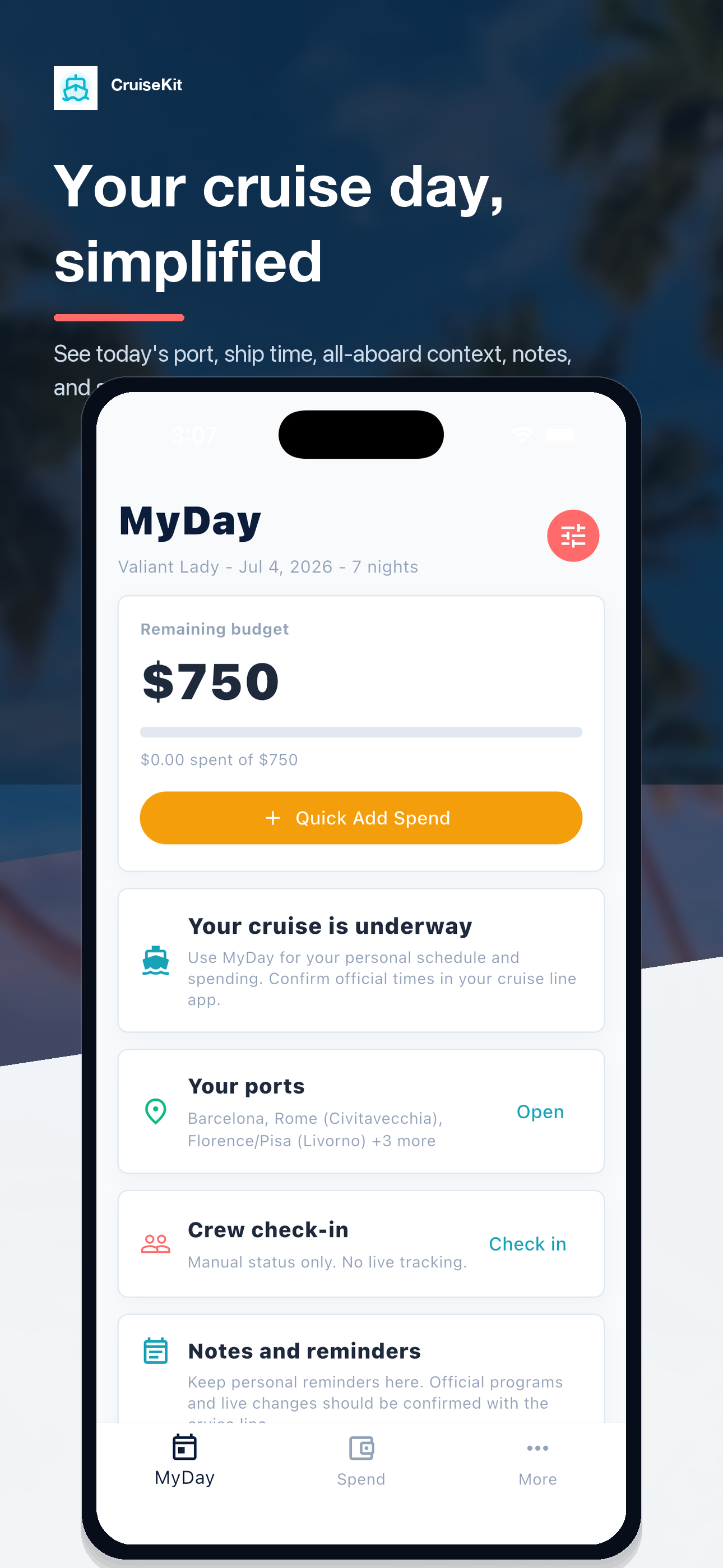
Time-zone confusion. Surprise charges on your folio. Dinner plans scattered across texts. MyDay pulls the day into one calm view — clocks, schedule, spend, and MyCrew check-ins, designed for unreliable cruise WiFi.
MyDay is a planning aid.It does not track your phone or the ship. Always follow your cruise line’s official all-aboard time, posted on the gangway daily.
See what you get after you tap download.
MyDay is not just a website promise. The mobile app already includes the cruise-day screens people need most: time context, saved itinerary ports, and remote MyCrew setup.
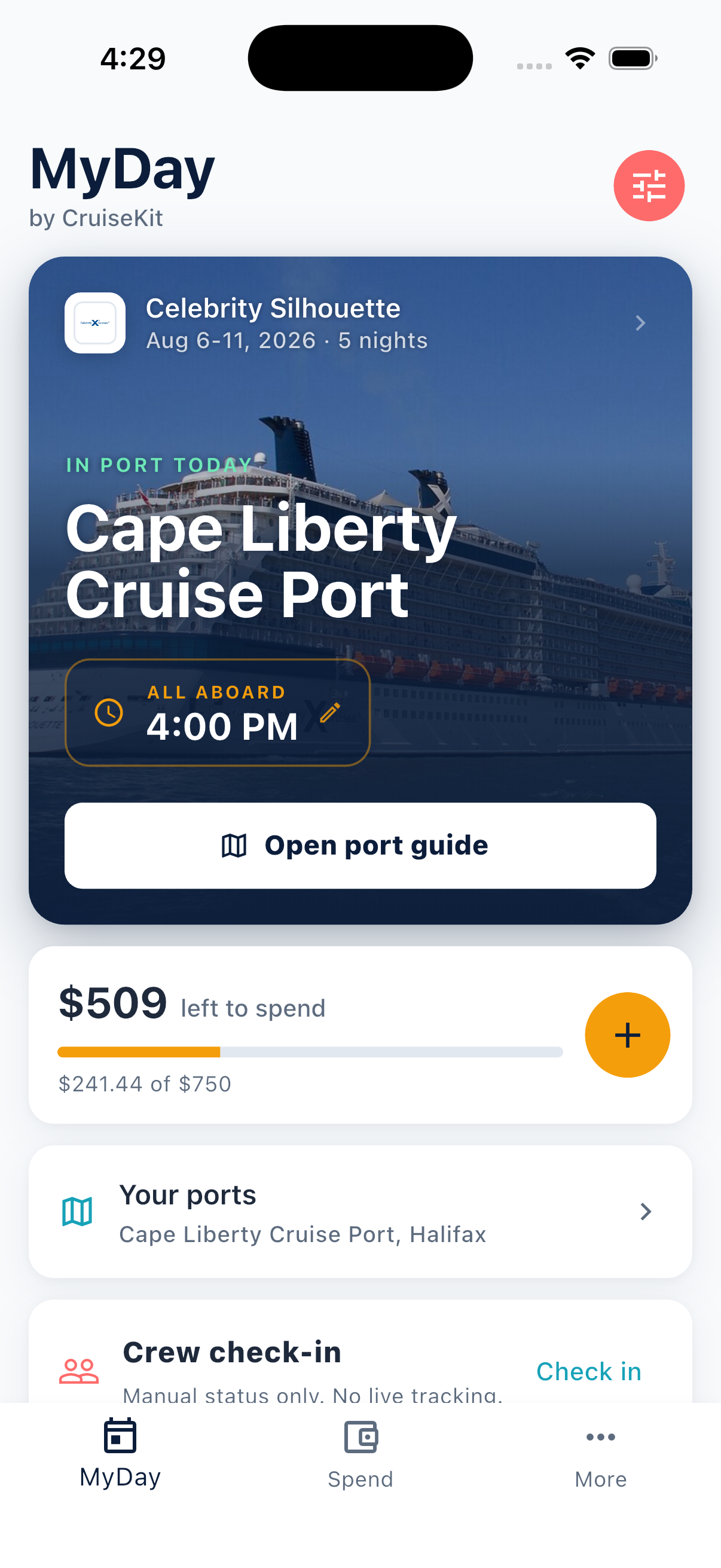
Today’s cruise context at a glance
MyDay keeps today’s port, device and port time, all-aboard context, budget, saved ports, and crew check-in in one view.
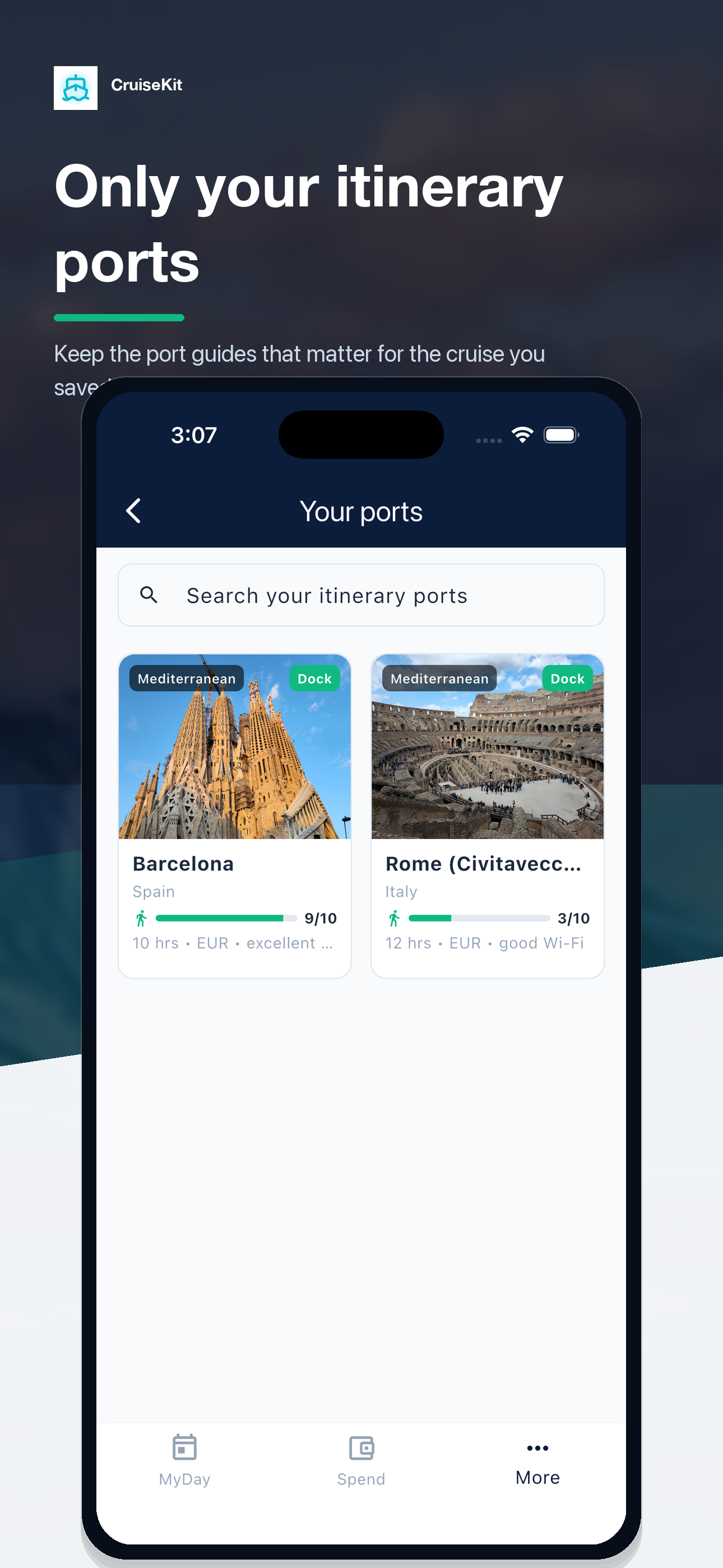
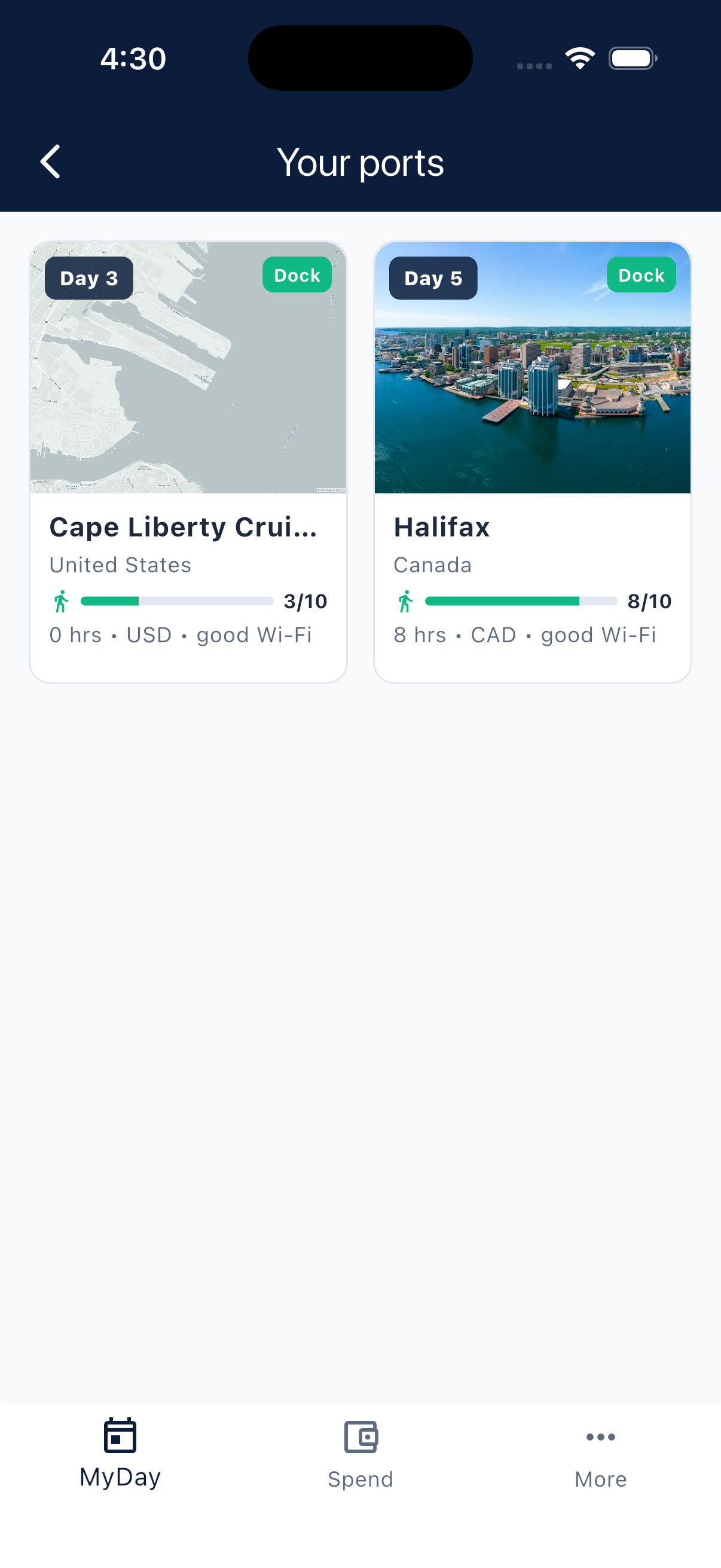
Only the ports for your saved itinerary
CruiseKit keeps the port guides tied to your saved sailing easy to scan, with day, dock, walking, currency, and Wi-Fi context.
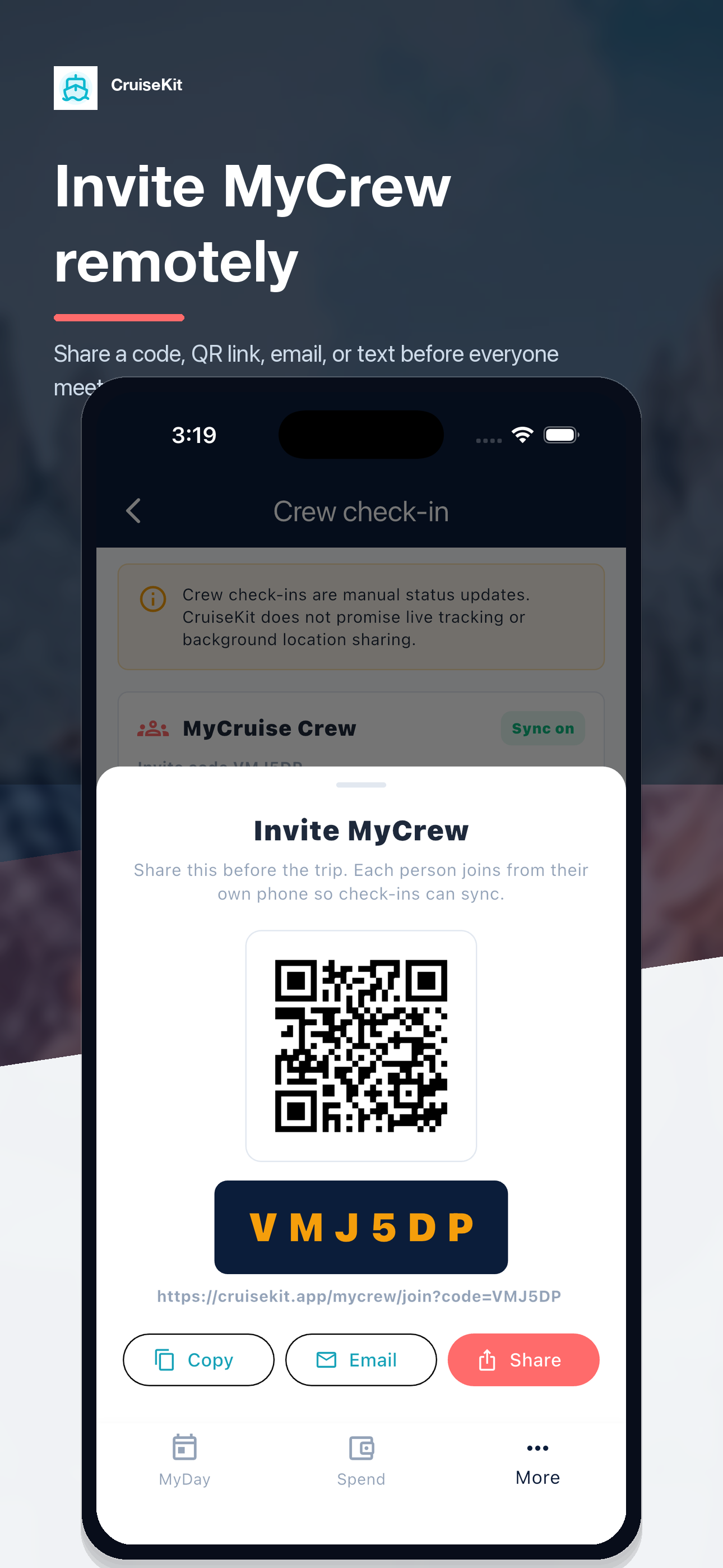
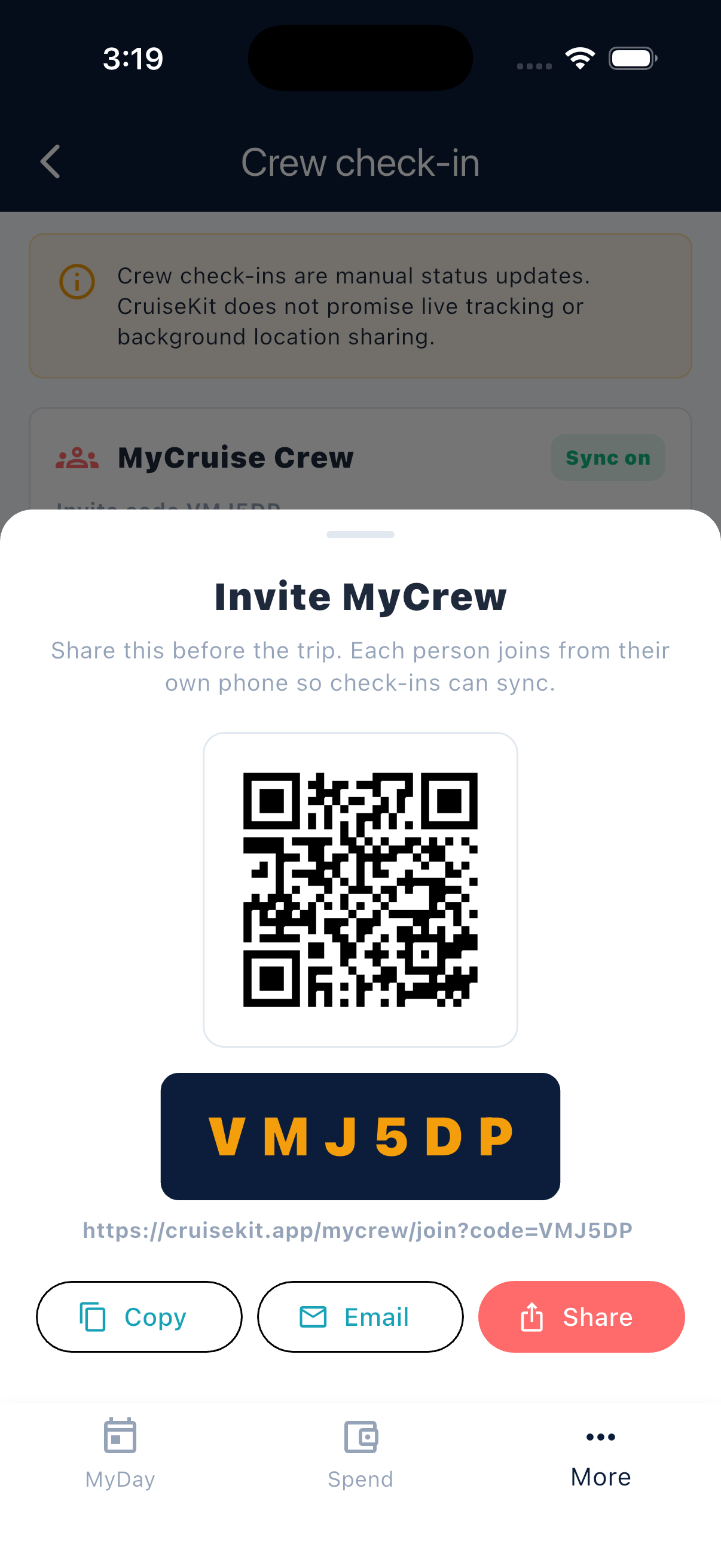
Invite MyCrew before the trip
Share a join code, QR link, email, or text so everyone can connect from their own phone before check-ins begin.
Built for daily cruise life
The features cruisers actually use every day: knowing the right time, seeing what is next, keeping spend honest, and staying loose with the people they came with.
Device + Port Clocks
Device time and port-local time stay visible together, with a clear reminder to confirm the cruise line's official ship clock.
All-Aboard Reference
Port-day timing is pulled from your itinerary and kept close to the rest of your day, without turning MyDay into a navigation tool.
Daily Schedule
Add dinner reservations, show times, spa appointments, and excursions so your cruise day is not scattered across notes.
Spend Tracker
Log drinks, dining, excursions, and extras into one running total against the budget you set before boarding.
Smart Tip Prompts
After logging a dinner or bar charge, get instant 15%/18%/20% tip buttons. No mental math needed.
MyCrew Check-ins
Share simple group status like on ship, at dinner, or heading back, so the day feels coordinated without needing a full chat app.
Three tabs. One calm cruise companion.
MyDay
- Device time and port-local time at a glance
- Saved itinerary and all-aboard context
- Personal event schedule you add and edit
- "What's Open Now" venue strip
- Crew status at a glance
Spend
- Fast charge entry for onboard purchases
- Smart tip prompt after dining or bar charges
- Budget vs actual from your saved cruise estimate
- Category breakdown with progress bars
- Learned frequent items for quick repeat
More
- Manage your saved cruise and itinerary
- Open guides for ports on your itinerary
- Share manual MyCrew status check-ins
- Review sources and planning methodology
- Open settings, privacy, and help
Your next cruise, simplified.
CruiseKit keeps your saved itinerary and daily plans in MyDay, onboard purchases in Spend, and Ports, MyCrew check-ins, sources, and settings under More.